Release
What to do · Othor AI Bifrost 0.33
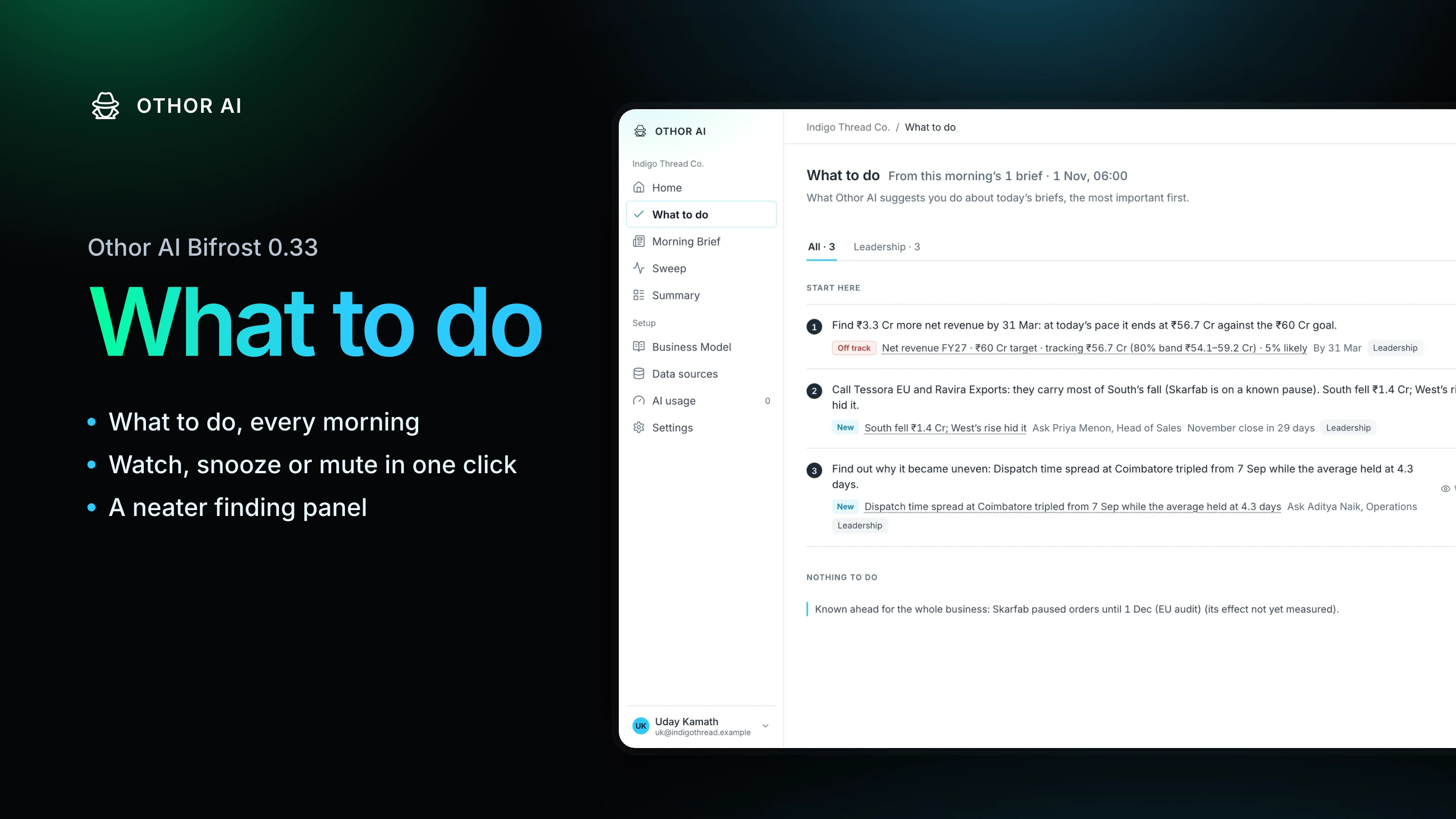
Every brief now ends with what to do about it, and a new What to do page gathers the day's actions from all your briefs, the most important first.
Added
- What to do at the end of every brief: up to three actions, each naming who to ask and by when, in the brief, its email and its PDF.
- A What to do page, after Home in the side menu: every action from today's briefs once, tabs for each brief, and the ones that need nothing listed apart.
- “What to do today” on Home: the top actions across your briefs, each opening its brief.
- Snooze, Mute and Watch beside each action and on brief cards; an action that covers two findings holds both in one click, and Undo brings them back.
- Home's Next 4 weeks cards open the Forecasts page.
Changed
- The finding panel is neater: its tabs read Finding, How it's calculated, The number, Query and Run, and its foot has one main button with Watch, Snooze and Mute beside it.
- Sweep's Suppressed tab says why each finding is hidden, when it comes back and where you held it, with Undo on each.
- Watching says Above the limit, Below the limit or Inside the limit.
- A finding's question to ask is the same in the panel as in the brief.
- On othor.ai, the demo videos and the Hosted plan have a gradient edge.
Fixed
- Watch this shows its limit in money or days, “₹64 L” or “2.4 days”, and its chart in the number's own units.