At a glance
The closest to Othor AI. The differences are in the detail.
These tools already do what most BI doesn’t: they watch numbers without being asked and say when one moves. Othor AI does that too. Where it differs is how much it watches, how many kinds of change it looks for, and what each finding tells the owner.
Compared hereTellius · Anodot · Tableau Pulse · Power BI anomaly detection
Automated insights and anomaly alerts
Tellius · Anodot · Tableau Pulse · Power BI anomaly detection
Machine learning watches the metrics you choose and alerts you when one moves. The closest to Othor AI; the difference is what gets watched and what each alert tells you.
AI usageHuman effortIntelligence you getCode does the work
Every night it tests every confirmed number and breakdown with 11 checks, and by 6:00 AM the brief says what matters, how sure it is, and who to ask.
AI usageHuman effortIntelligence you get Maximised
01 · What it does well
They watch,so you don’t have to.
Tellius
Feed tracks a metric you set up, on each data refresh or a schedule, and alerts when it moves unexpectedly or crosses a rule, with a link to an explanation of what drove it. Kaiya answers questions and can come to you when something changes.
Anodot
Built for business monitoring in real time: machine learning learns each metric’s normal behaviour without manual thresholds, alerts on anomalies, and correlates them to point to a cause.
Tableau Pulse
For each metric people follow, Pulse looks for period-over-period changes, unexpected values, trend changes, top contributors and concentrated contribution, checks alerts every 24 hours, and sends a digest.
Power BI anomaly detection
Switched on for a line chart, it marks points outside the expected range and ranks the fields that might explain each one.
02 · Where it stops
They watch the metricssomeone chose.
Chosen metrics, not every number
A monitor, a followed metric or a chart is set up by someone, with the breakdowns they picked. Othor AI tests every confirmed number and every breakdown of it, every night, without anyone picking.
One kind of change, mostly
Most look for a value out of the ordinary. Othor AI runs 11 kinds of check: a spread widening while the average holds, a baseline that stepped, two numbers that stopped moving together, two systems that disagree, customers who went silent and more.
How sure, and who to ask
An alert says something moved. Othor AI grades each finding Measured, Assessed or Not determinable, corrects for chance across every test, and names the one question to ask and of whom.
Proof and ownership
Othor AI keeps every night’s run so it can be replayed exactly, reads sources in place with a login that can only read, and its core is open source.
03 · Side by side
Insight and alert tools and Othor AI, question by question.
| The question | Alert tools | Othor AI |
|---|---|---|
| Who decides what to look at | Whoever sets up the monitors, followed metrics or charts | Nobody has to. Every confirmed number and every breakdown of it is tested. |
| What runs every night without anyone | Checks on each refresh or schedule (Tableau Pulse every 24 hours; Anodot in real time) | From 2:00 AM: read what changed, compute every number, run 11 checks. The Morning Brief arrives by 6:00 AM. |
| How many numbers and breakdowns get tested | The chosen metrics, with the breakdowns someone picked | Every confirmed number and every breakdown of it, with all 11 checks, corrected so chance doesn’t pass as a finding. |
| Says how sure it is | An alert, sometimes with a strength or an explanation; not graded Measured, Assessed or Not determinable | On every finding: Measured, Assessed or Not determinable, with the question to ask and of whom. |
| Where numbers come from, and does the same data give the same numbers | Statistical models compute them (Tableau describes Pulse’s insights as deterministic); some summaries are written by a model; replaying a past night isn’t offered | Code, never a model. The same data gives the same numbers, and any night can be replayed exactly. |
| AI bill as use grows | A subscription, often custom-priced; Pulse’s extra insights and Tableau Agent need Tableau+ | Small and flat. A model drafts the setup once ($0.61 for our sample company); the nightly run uses none; smoother wording for each brief is optional, about 1¢ a morning. |
| Data access | Data connected to or loaded into the tool; Tellius can query in place | A login that can only read, in place. Results are kept, not copies of your tables. Personal columns are never read. |
| Effort each week | Setting up monitors and their breakdowns, tuning alerts, then working through them | About 1 min each morning to read the brief, and a few taps on Home. |
| Open source, or on your servers | Not open source. Tellius Enterprise can run in your cloud or on-premises | The open core is open source (Apache-2.0). Hosted on othor.ai, or on your own servers. |
04 · An example
The average held. The spread didn’t.
Morning Brief · Indigo Thread Co.
Dispatch spread widening at one plantAssessed
Found byA spread widening before the average moves
From the brief of Othor AI’s invented sample company.
Why a metric alert would likely miss it
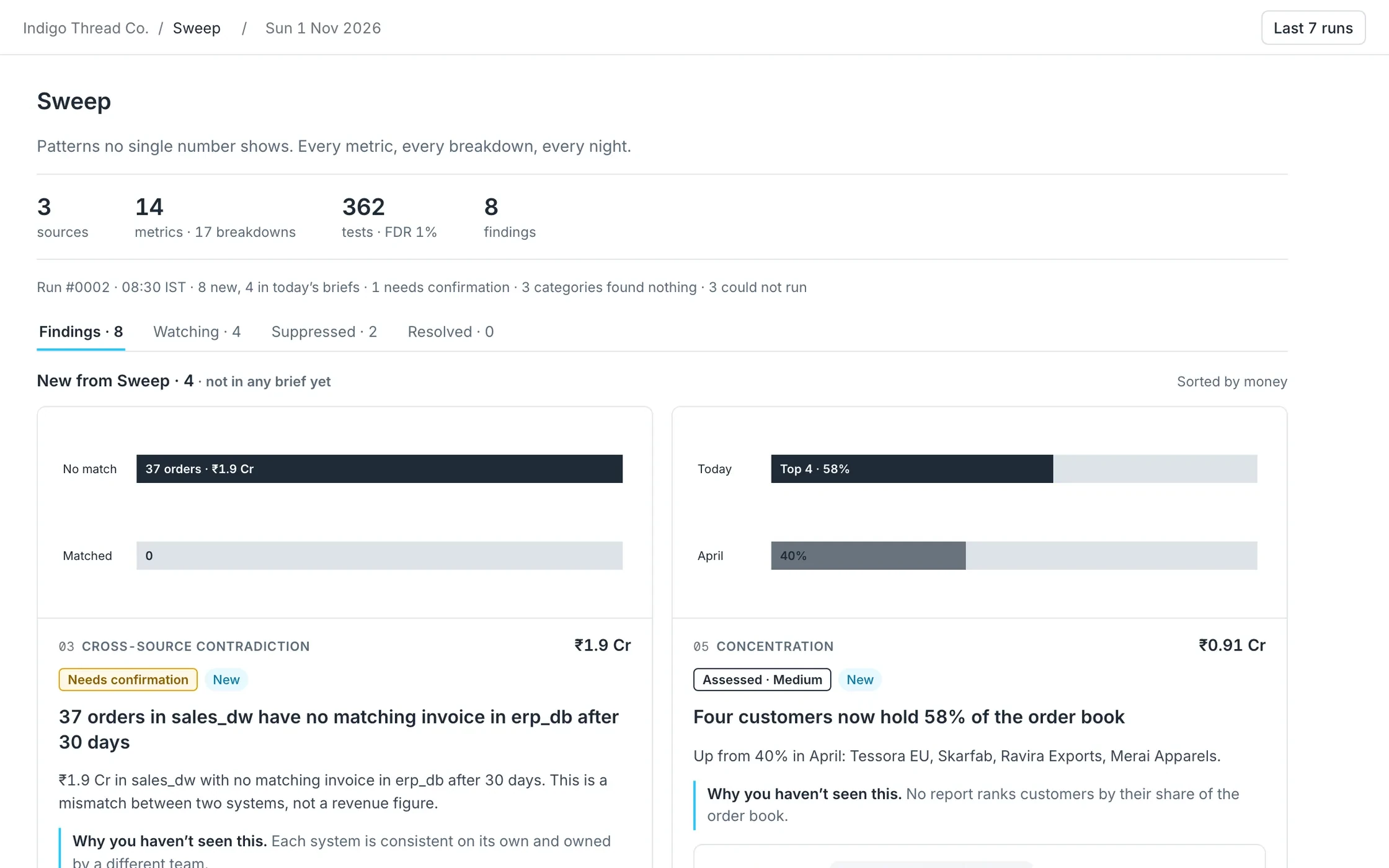
Average dispatch time stayed normal, so a monitor on it had nothing to flag. The change was in how much dispatch times varied, at one plant. Unless someone had set up that exact monitor on that plant, it would wait. Othor AI tests every breakdown for a widening spread, every night.
05 · Use both
Real-time alerts for operations. The nightly brief for the business.
Where minutes matter, such as payments or a site going down, keep a real-time monitor.
Tellius, Anodot or Pulse for
Watching the metrics you chose, as often as you need, with alerts to the team that runs them.
Othor AI for
Every confirmed number and breakdown tested every night with 11 kinds of check, each finding graded, and the brief by 6:00 AM with the question to ask.
Othor AI
See what nobody set up a monitor for
Start a 14-day free trial; the first brief arrives the morning after you connect a source.
Other comparisons
The other ways, side by side with Othor AI.
- 01BI with an AI copilotDashboards your team builds, now with an assistant that answers questions and writes summaries. Strong for exploring; it looks where someone pointed it.Compare
- 02Chat AI on your dataUpload a file or connect a drive and ask anything; it writes and runs code to answer. Brilliant for a question you have; it waits for the question.Compare
- 03AI-native analytics toolsAsk in plain words and get a polished chart, notebook or app in seconds. Quick and good-looking; each answer is a new build on the question asked.Compare
- 04The analyst and spreadsheet wayAn analyst or consultant in Excel or Google Sheets, now faster with AI for formulas and charts. Judgement you trust; only the numbers someone has time for.Compare
Compared as of November 2026, from each vendor’s public documentation. Products change, and some features depend on the plan. Tell us if something here is out of date.
Power BI and Excel are trademarks of Microsoft Corporation; Tableau is a trademark of Salesforce, Inc.; Google Sheets is a trademark of Google LLC; Tellius, Kaiya and Anodot are trademarks of their respective owners. All other names are trademarks of their respective owners. Othor AI is not affiliated with or endorsed by them.